

Inventory management
Know what you have. Where it is. What you can sell.
Track inventory across stores and warehouses, move stock between locations, and connect your stock operation to the channels you sell on.
Built for your everyday inventory operation
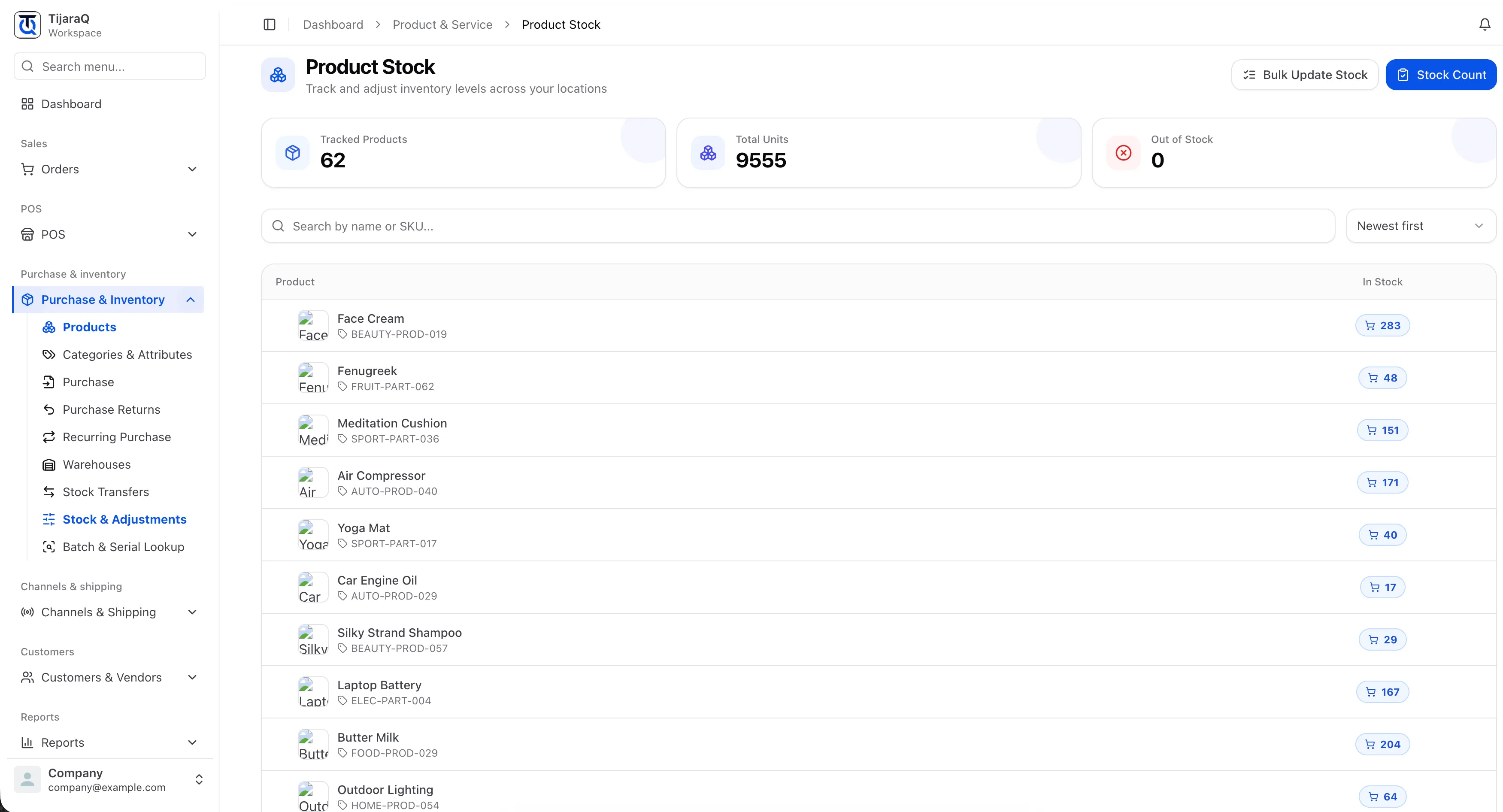
Every location, in view
See the stock behind your stores and warehouses.
Every change, in context
Connect counts, adjustments and stock movements.
Your channels, connected
Bring online and in-store inventory together.
One inventory system
Your stock shouldn’t change
depending on where you look.
One shared view of inventory. From the warehouse shelf to the shop floor to your next online order.
 TijaraQ InventoryOne connected operation
 Warehouse management
One inventory system.
Every warehouse connected.
Manage stock movement and fulfillment across storage locations. From receiving through picking, packing and counts, the warehouse operation stays connected to your inventory.
Explore warehouse management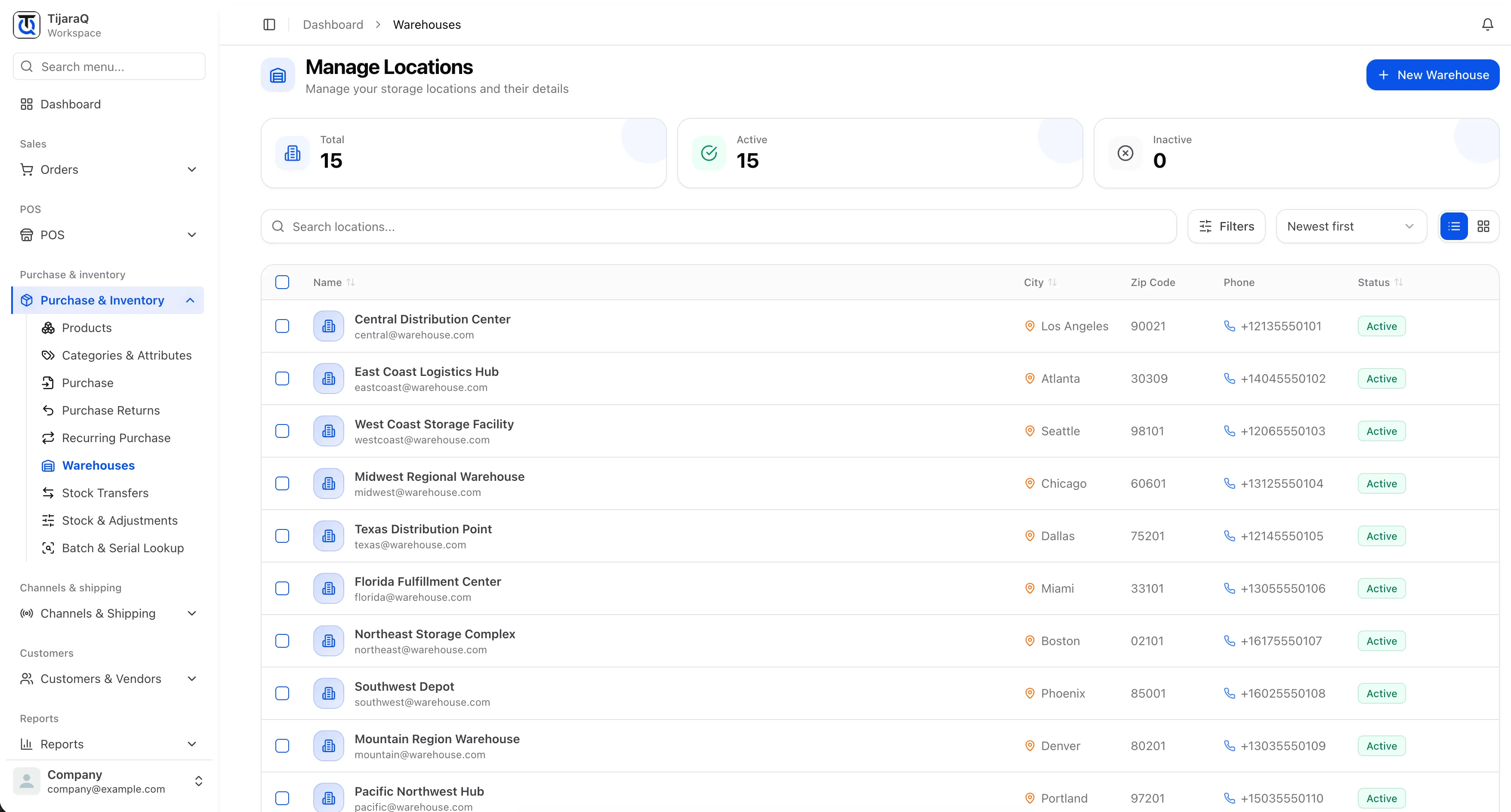
Clarity at SKU level
The right stock answer.
Without the guesswork.
Look beyond the product total. See quantities, investigate a change, and bring your records back in line with what’s on the shelf.
- Product and variant quantities
- Physical stock counts
- Adjustments with a recorded reason
Stay a step ahead
Give low stock
your attention.
Set product thresholds. Review scheduled low-stock alerts. Make a more informed decision about what to buy next.
Explore low-stock alerts See reorder pointsConnected channels
Inventory connected to the places you sell.
Keep inventory connected across online stores, international marketplaces and social commerce. The channels below are available to connect.
Online stores
4 connections-
 Shopify Available
 -
 WooCommerce Available
 -
 Salla Available
 -
 Zid Available
Marketplaces & social
4 connections-
 Amazon Available
 -
 eBay Available
 -
 Noon Available
 -
 TikTok Shop Available
Less uncertainty.
More confidence in your stock.
Warehouse priorities, reconciliation and synchronization monitoring help your team find stock conflicts and keep the operation moving.
Explore the inventory toolkit
Built around the work
your business does every day.
Locations & stock
Movement & replenishment
Product control
Supply
TijaraQ
One inventory operation across every place you sell.
Bring stores, warehouses and connected sales channels into one inventory workflow.