

Warehouse Management
Run every warehouse as one connected operation.
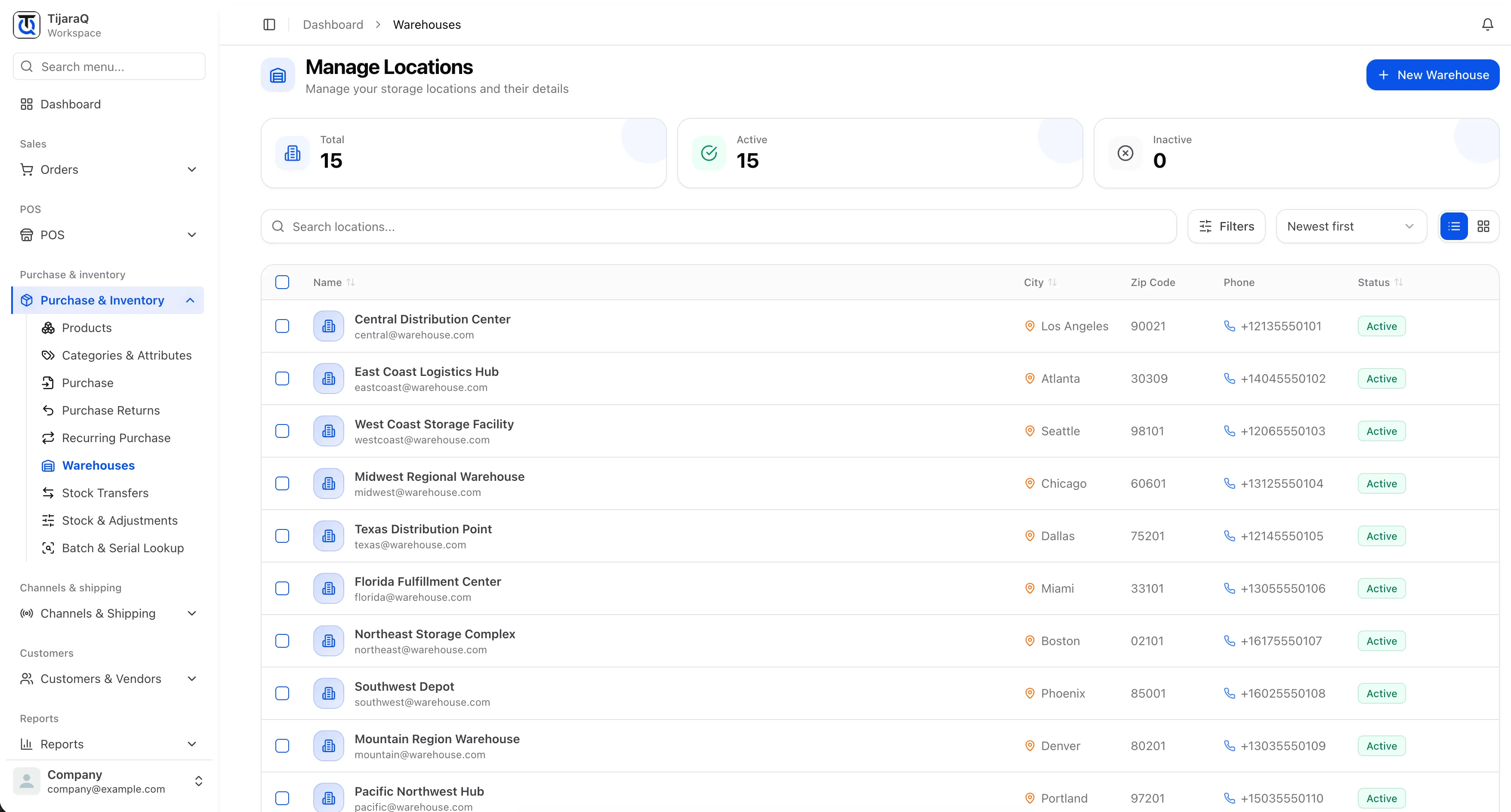
Manage inventory across locations, receive incoming stock, move goods between warehouses, and coordinate picking, packing and stock counts from TijaraQ.
Built for your everyday inventory operation
One warehouse operation
Inventory does not stop at the warehouse door.
Stock arrives, moves between locations, gets counted, picked and packed before an order leaves the building. TijaraQ keeps those warehouse tasks connected to the inventory and orders they affect.
A connected journey
From an incoming delivery to an order on its way.
Warehouse capabilities
Everything your team needs to keep stock moving.
Multi-warehouse
See every warehouse without losing sight of the whole operation.
Manage multiple storage locations while maintaining a connected view of the inventory held across your business.
- Location records and active status
- Stock in the right place
- One view across locations
Receiving
Turn incoming goods into usable inventory.
Purchasing records what you intend to buy. Receiving confirms what physically arrived and which warehouse should hold it.
Explore receiving
Order fulfillment
From order allocation to a package ready to ship.
Picking collects the items an order needs. Packing checks those items and prepares them for the shipping handoff.
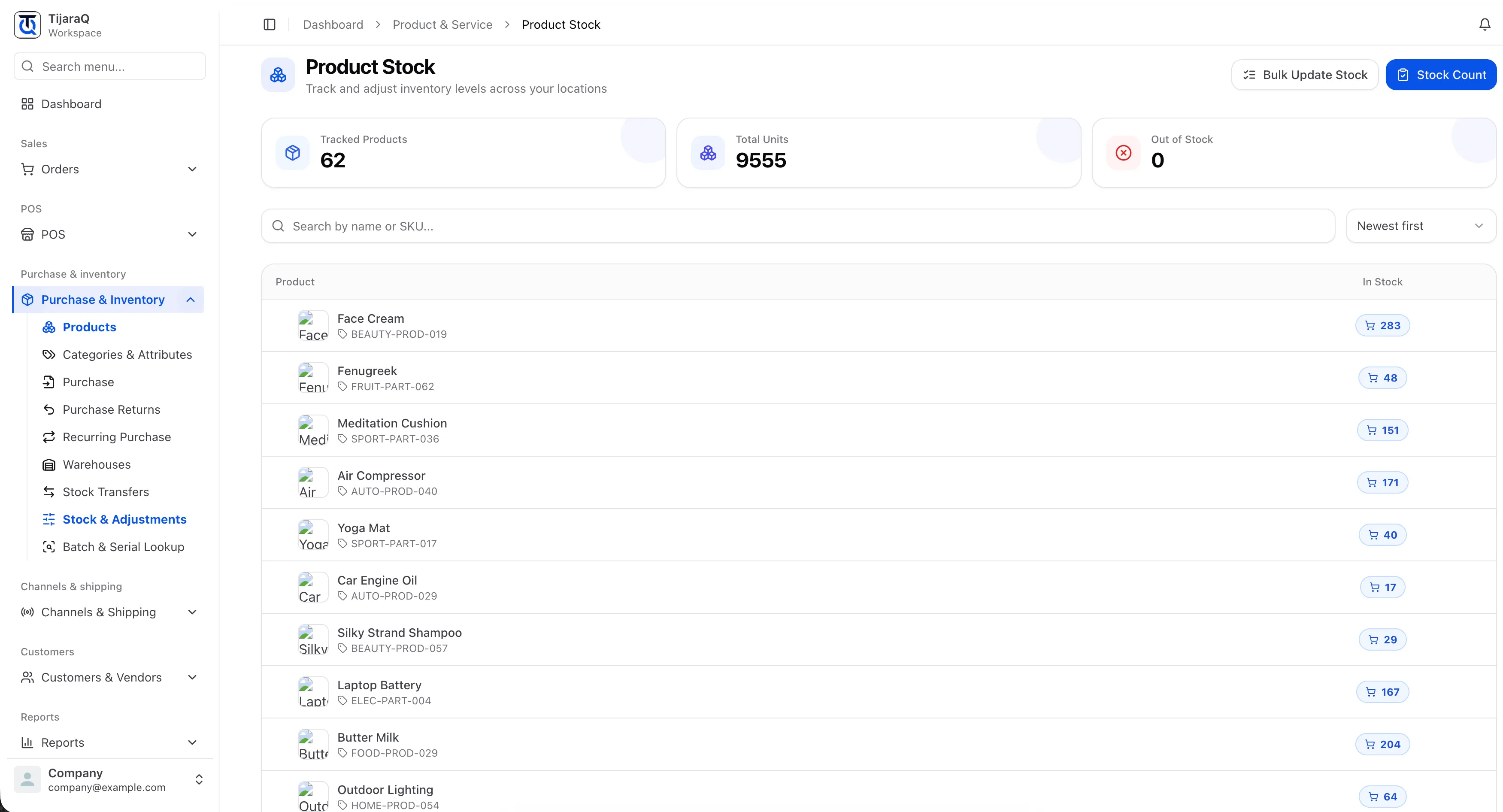
Inventory accuracy
Keep physical stock aligned with system stock.
Count what is on the shelf, compare it with the stock record, and identify products by SKU or barcode while the team works.
Warehouse transfers
Move stock where the business needs it.
A transfer records physical movement between a source and destination warehouse. Allocation answers a different question: which stock is committed to demand.
Explore warehouse transfers
Connected fulfillment
Warehouse work stays connected to the rest of the business.
TijaraQ
Your warehouses should not operate in isolation.
Connect inventory, warehouse operations, orders and fulfillment through TijaraQ.