

Multi-Warehouse
Manage inventory across multiple warehouses from one place.
See where inventory is held across your warehouses, review stock by location, and keep storage decisions grounded in the same product records.
Built for your everyday inventory operation
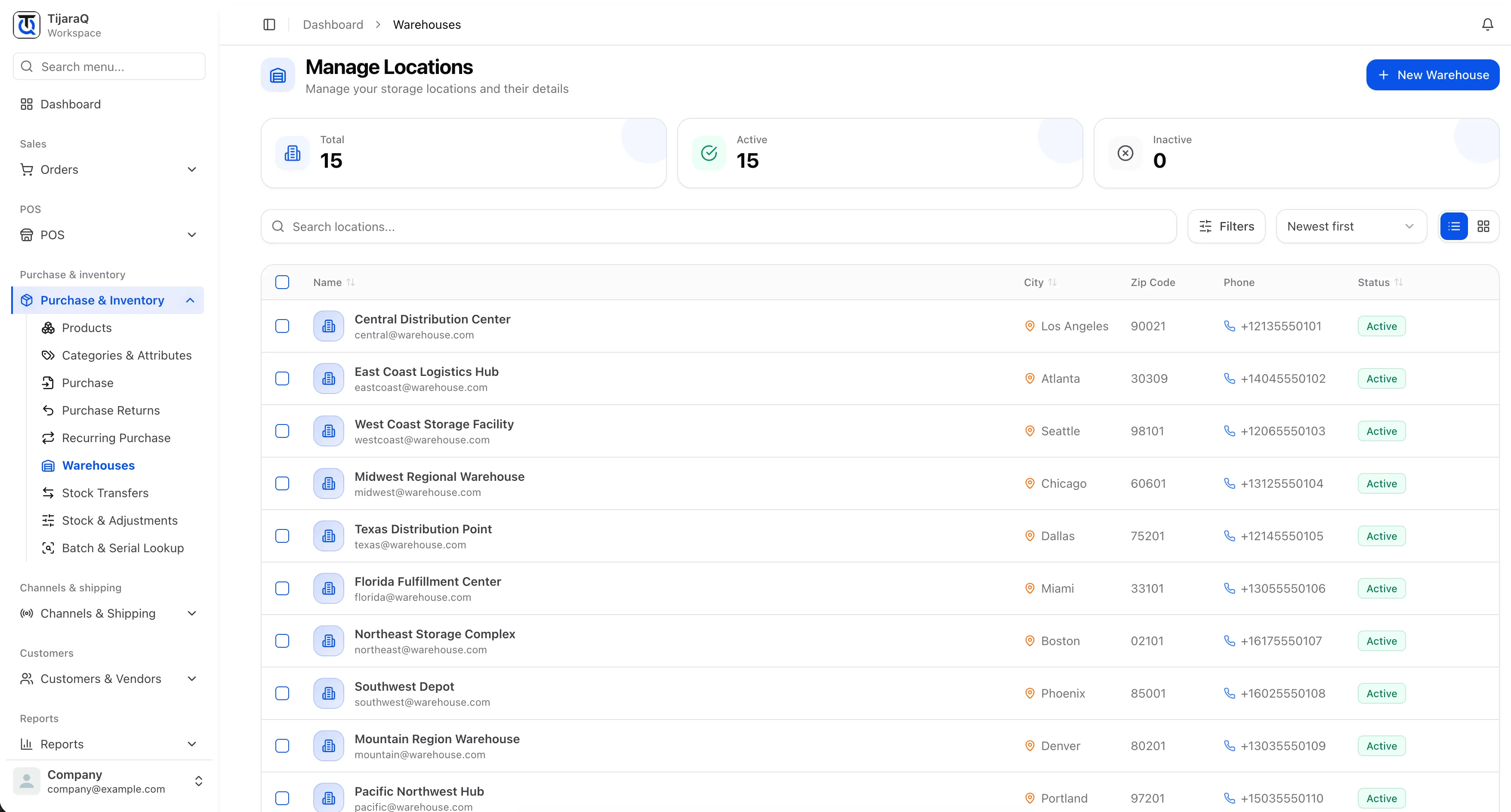
Location visibility
Maintain warehouse names, contact details and active status.
Stock in context
Review the products and quantities held at each warehouse.
Connected movements
Use transfers to record stock moving between locations.
Multi-Warehouse
A business-wide total only tells half the story.
Stock in one warehouse cannot answer every fulfillment need. Keep the location behind each quantity visible, so your team knows where to look before making its next move.
Add a warehouse
Give the location a name and add address and contact details as needed.
Review its stock
Use location-aware stock views to inspect the inventory held there.
Move with a record
Record the source, destination, product and quantity when stock moves.
Frequently asked questions
Good questions. Clear answers.
How is this different from multi-location inventory?
Multi-warehouse focuses on storage and fulfillment. Multi-location also covers the stock locations used by retail and POS.
Can I mark a warehouse inactive?
Yes. Location records include an active status, so your team can distinguish locations currently in use.
TijaraQ
One inventory operation across every place you sell.
Bring stores, warehouses and connected sales channels into one inventory workflow.