

Multi-Location
Connect the stock behind every place you sell.
Bring warehouse and retail stock locations into one inventory operation, with POS registers linked to the locations they sell from.
Built for your everyday inventory operation
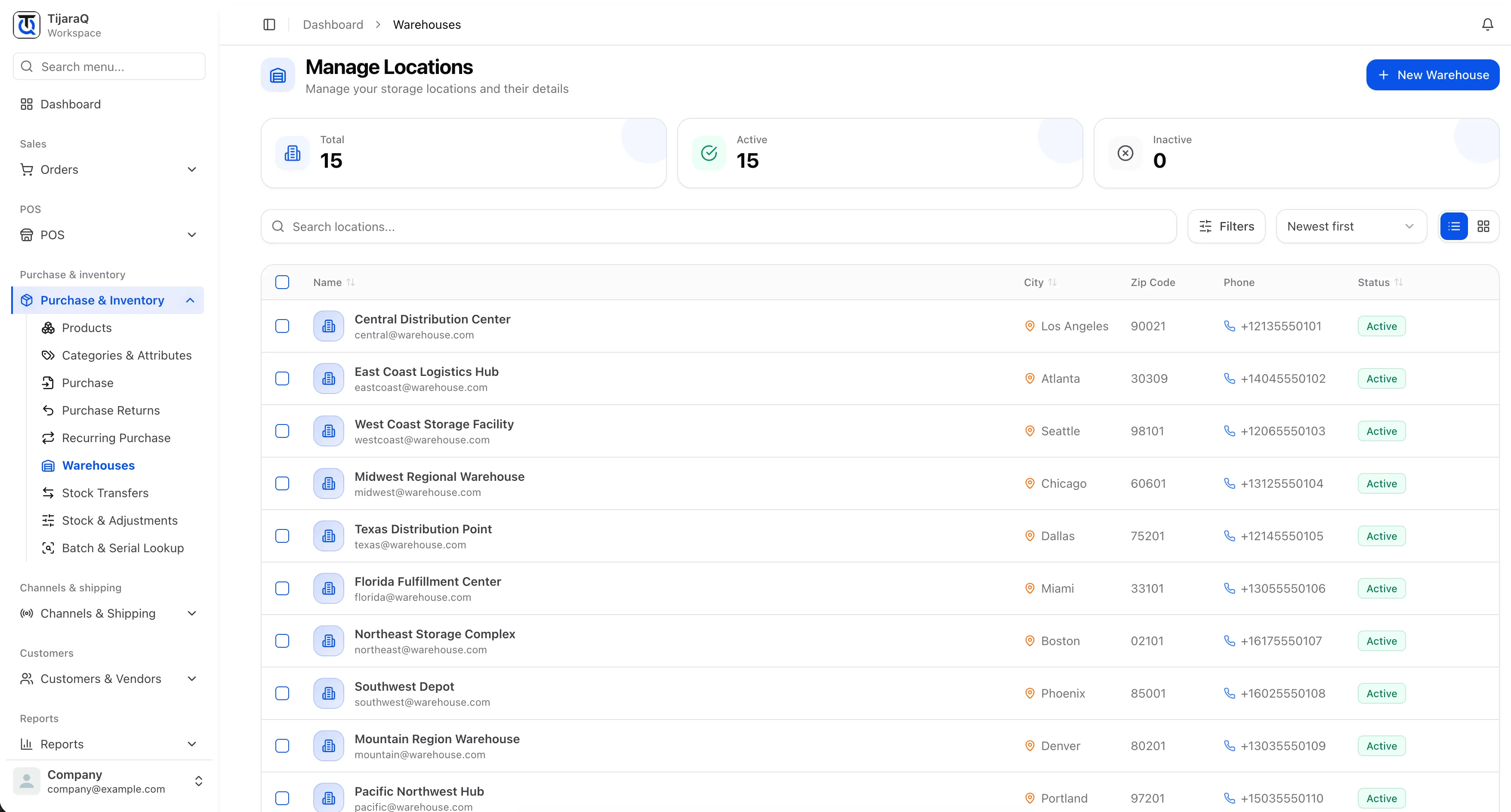
A common location record
Name stock locations for the way your business operates.
Retail context
Link POS registers to the warehouses they use for stock.
Location-aware decisions
Review quantities before moving stock between a store and storage.
Multi-Location
Your store is part of the inventory network.
A shop floor and a storage warehouse serve different roles, but both hold stock. Keep their quantities connected without losing the location detail your teams need.
Map your locations
Create named locations for the stock your operation holds.
Connect retail stock
Configure the warehouse used by a POS register.
Review the network
Use stock views and transfers to work across locations.
Frequently asked questions
Good questions. Clear answers.
Is multi-location only for warehouses?
No. Locations can represent the stock held for retail operations as well as storage. POS registers use warehouse stock assignments.
Does a location need a full address?
A name is required. Address and contact details can be added later.
TijaraQ
One inventory operation across every place you sell.
Bring stores, warehouses and connected sales channels into one inventory workflow.