

Stock Counting
Keep warehouse stock aligned with what is on the shelf.
Count stock at a selected location, compare entered quantities with system quantities, and apply the differences with an adjustment record.
Built for your everyday inventory operation
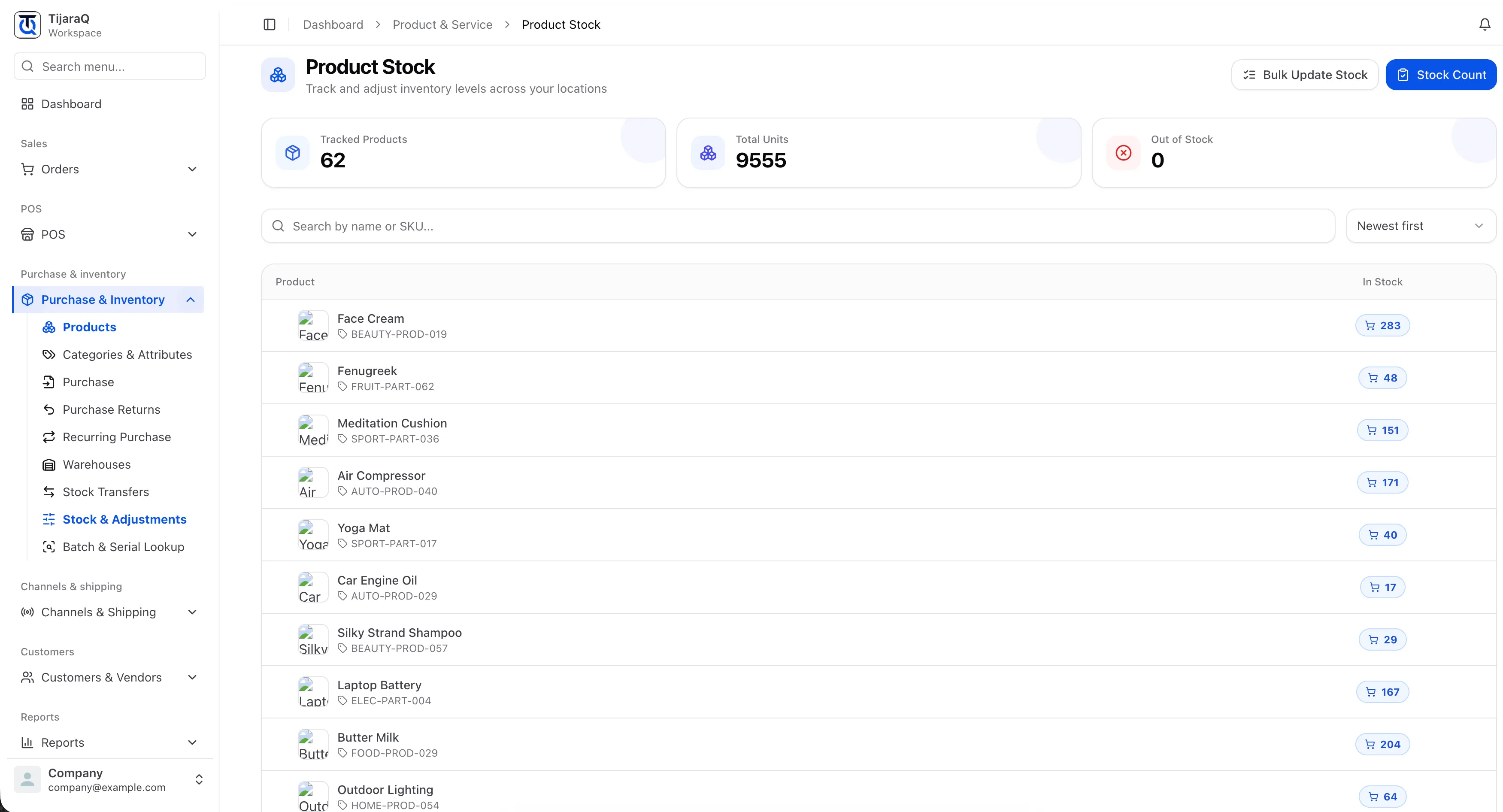
Stock Counting
A count is a chance to find the gap.
Inventory records need an occasional check against the physical stock. The Stock Count workflow starts counted values blank, helping your team enter what it actually finds.
Choose the location
Open Stock Count and select the warehouse to count.
Enter physical quantities
Find a row by product, SKU or barcode and enter the units counted.
Apply differences
Review the variance and save changed counts to update stock.
Location-focused counts
Select the warehouse you are physically counting.
Visible differences
Compare entered counts with the current system quantity.
Recorded corrections
Apply changed quantities with a Stock count adjustment reason.
Frequently asked questions
Good questions. Clear answers.
Are counted values prefilled?
No. Counted quantities start blank so a system quantity is not accidentally confirmed without a physical count.
How does counting relate to stock adjustments?
Counting compares the physical quantity with the system record. An adjustment applies the resulting correction.
TijaraQ
One inventory operation across every place you sell.
Bring stores, warehouses and connected sales channels into one inventory workflow.